
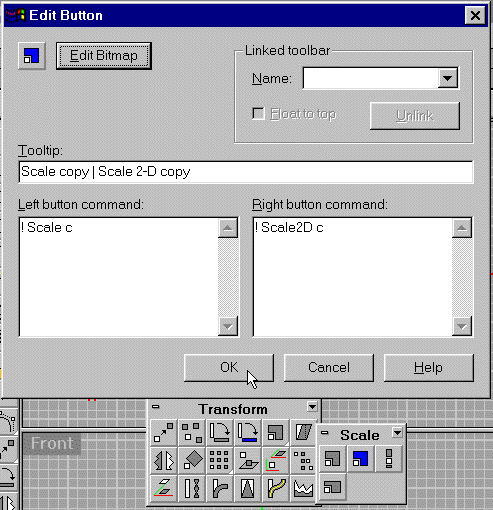
These scale copy icons function similar to the Rotate copy icons. The procedure is exactly the same as the Rotate copy icons so I will not illustrate the first four steps.
8. Create a sphere by clicking the Sphere Icon
9. Select the sphere by left mouse clicking on it.The
sphere should be highlighted in yellow.
*Remember* you need to select the sphere first for this commandscript
to work.
Click the Scale copy icon you made

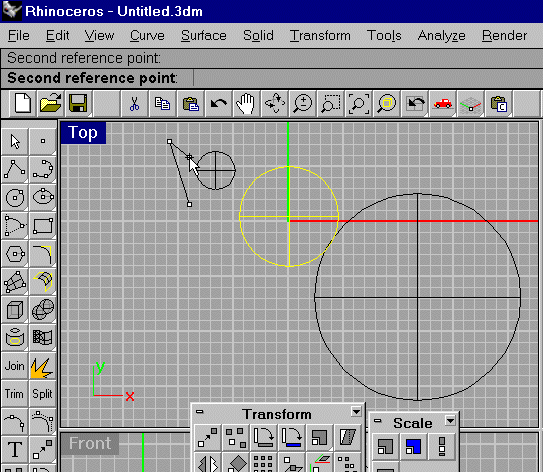
10. Click in the top Viewport to the left of the highlighted
sphere.
Click roughly under the last point (see image to the left)
11. Create scaled copies.
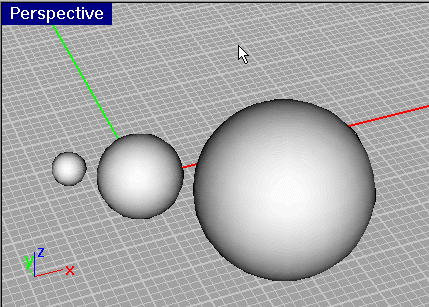
Rendered image of the Scale Copy commandscript in action.
The orient, orient 3d icons all have the "c" option
that you may want to customize too.
12. Select all and delete the contents leaving the drawing free of objects for the next mini tutorial.