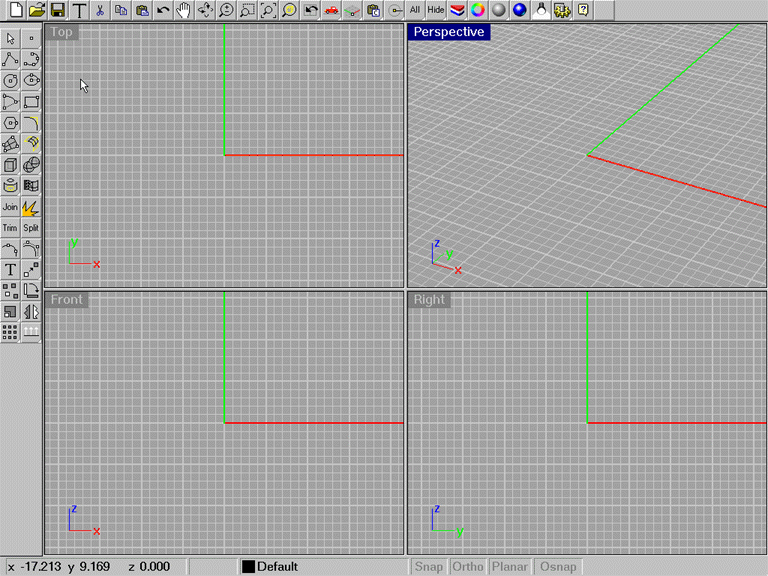
This commandscript is great to get rid of all menus and prompts in Rhinoceros and just use your icons. Then just click the Toggle menus Icon and you are back to normal. This will give you more room when you need it quickly.
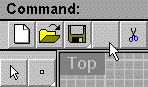
Shift key left mouse click over a blank icon from the Rhinoceros
main toolbar.
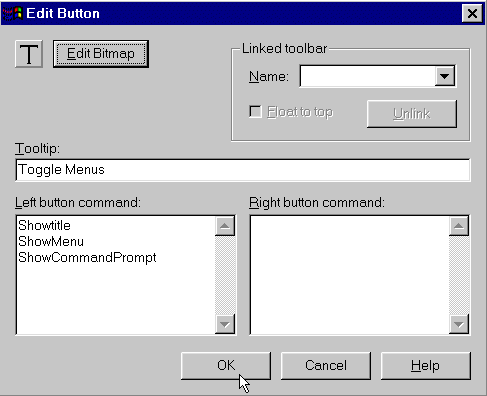
Click the Toggle Menus icon you just created the Rhinoceros workspace should look like the image below. Notice how much more screen real estate this gives you to work in. Click the Toggle Menus icon to go back to your previous settings and restore the menus.