
Command paste runs a commandscript by pasting text contents from the Windows clipboard. As an example...
1. Hold the Shift key down and mouse click over the
Line icon.
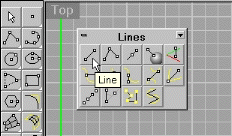
2. Highlight and then Copy the contents of the right
button command box to the Windows clipboard.

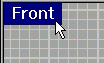
3. Make sure the front viewport is active by mouse clicking
on its' viewport title. The viewport title should then be highlighted
in blue if you are using the Rhino default workspace.
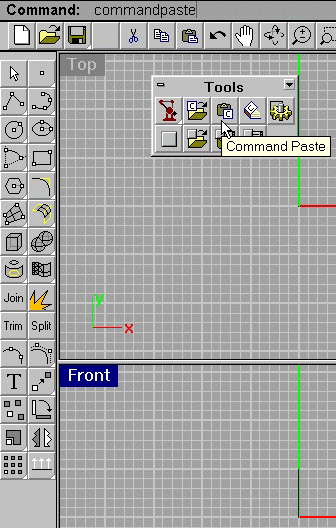
4. At the Rhinocereos command prompt type "commandpaste"
and hit the enter key or from the Tools toolbar click the commandpaste
Icon. Notice this command also performs the macro but in the front
viewport which gives it a different orientation.
Important: For command paste to work you need to have some
kind of script or text copied to the Windows clipboard first.
Figure 8
5. Select all and delete the contents leaving the drawing free of objects for Example 3.